
Start with the problem you hear: delay, background noise, or unreliable audio. Compare guidance for your device and connection before assuming that changing apps will fix the issue.
Check the device before changing the app. Compare microphone permission, connection quality and output settings, and change one setting at a time so you can tell what helped.
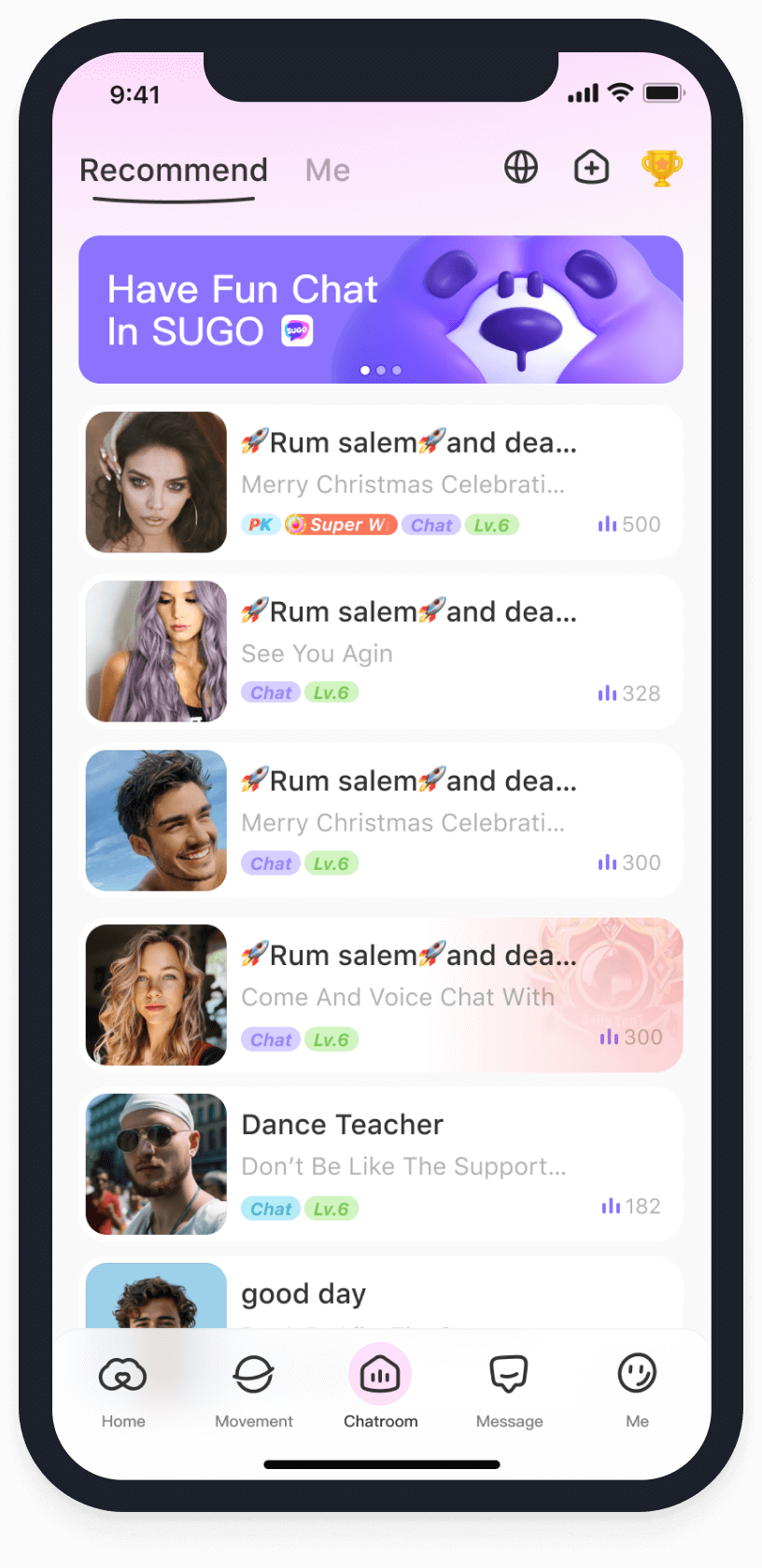
Read by the question in front of you
Understand the topic first
Read the question and title first. Choose the explanation or first step you need before moving to a more specific decision.
- Which Group Voice Chat Apps Save the Most Battery Life?
- How Do Live Voice Rooms Handle Massive Traffic?
- Is High-Definition Voice Chat Worth It for Clear Online Communication?
- How to Build a Zero-Latency Group Voice Chat Experience?
- What Is Low-Latency Audio Technology?
- What Is High-Definition Voice Chat?
- Why do experts praise the leading tool’s audio stability?
- Technical breakthroughs in the latest benchmark app?
- Is the 3D spatial audio in the top app better than legacy rooms?
- Spatial audio immersion in multi-guest chat?
- Battery and data efficiency: Leading social tools?
- Technical Perks of New Low-Latency Audio Engines
- How Does Low-Latency Audio Improve Real-Time Voice Chat?
- Why Does SUGO HD Audio Beat Social Apps?
Work through problems and precautions
Check that the situation matches yours. Verify that a setting or feature is currently available before relying on it.
Compare options and plan your next step
Compare choices against your goal and circumstances. Product names and rankings are starting points, rather than a guarantee of a particular result.
- What Are the Best Lightweight Voice Apps for Low-Spec Phones?
- Which voice apps offer the best optimization for low lag?
- Which Social Apps Work Best on Slow Internet?
- Voice Stability: Top 2026 Platforms vs Legacy Apps?
- How Does SUGO’s Low-Latency Audio Compare to Competitors?
- Which HD Audio Apps Are Best for Long-Distance Group Chat?
Make one clear decision at a time
Check the device before changing the app. Compare microphone permission, connection quality and output settings, and change one setting at a time so you can tell what helped.
Identify your question, read the relevant guide, then try one step and review what changed.
Before you start
Which article should I start with?
Start with a title that matches your current question. If the topic is new to you, read an explanation before comparing options or troubleshooting.
Does every article describe SUGO specifically?
Articles may discuss different apps, devices or experiences. Read the context and verify official information before relying on a feature, price or policy.