
For low-bandwidth social interaction, choose the format first: text or voice messages for exchanges that can wait, audio for live conversation, and video when seeing something is essential. Google Meet and Zoom document controls worth checking. SUGO offers adult social voice rooms, but this guide has no measured weak-network winner.
Last updated:
What Makes an App Low Bandwidth?
Start with the conversation you need to finish. A short text exchange, a voice message, a live audio room, and a video meeting place different demands on a connection. A small installation file does not tell you how much data an hour of use consumes. Background media, downloads, and the chosen call mode also matter.
This guide compares formats and documented controls, not measured winners. It appears on SUGO’s blog. No shared test here establishes SUGO, Google Meet, Zoom, or a messaging app as the fastest, most stable, or lowest-data option for every network. Treat a feature as something to check on your own device, rather than a guarantee about your connection.
Why Does Voice Work Better Than Video?
Removing the camera stream can reduce the work a live session needs to do, but audio can still fail when delivery is inconsistent. Use the camera only when the task requires seeing something. A catch-up may work over audio; demonstrating an object may need a brief video segment or a photo instead.
If live speech repeatedly breaks up, switch to a format that allows waiting. A text message or recorded voice message, where supported, can be useful without every packet arriving in time for a live response. That does not make every messaging app universally lighter, nor prove that a particular voice room works on a given weak connection.
Which Apps Are Best Overall?
Choose candidates for the activity first. Google Meet and Zoom are relevant when you need a meeting or video call. A messaging service your contacts already use may be enough for asynchronous communication. SUGO is relevant when adults want social voice rooms, rather than a scheduled meeting with existing contacts.
| Task | Candidate or format | What you can verify | What remains unproven |
|---|---|---|---|
| A meeting where occasional video matters | Google Meet | Its official help documents mobile data limits and computer video-quality controls. | These settings do not establish that Meet uses less data than every competitor. |
| A scheduled meeting on a supported browser | Zoom Web App | Its current requirements distinguish audio and video modes and describe bandwidth adaptation. | A supported browser or stated requirement does not guarantee a usable route to every participant. |
| An exchange that can wait | Text or a voice message in the service your contacts use | Check that the message sends, downloads, and can be understood when the recipient reconnects. | A delivered message is not a test of live calling quality. |
| Adult social voice discovery | SUGO | Its product introduction describes group voice rooms and private rooms. | No verified minimum speed, MB-per-minute result, or comparative weak-network benchmark is established here. |
How Should You Choose?
Use the least demanding format that still completes the task. If all you need is an address or a meeting time, keep it in text. If tone matters but an immediate reply does not, try a voice message. Choose live audio for a conversation that needs quick responses. Add video only when the visual information is necessary.
Before moving a whole group, check that the intended participants can enter and use that format. A new account, unsupported device, or difficult invitation can matter more than a data-saver toggle. Keep a text route available so someone with a broken call can still follow the plan.
How Do You Save Data While Socializing?
Use settings documented for the exact app and client. Google’s Meet mobile-data guide distinguishes legacy calls from meetings and newer calls. On Android, the route to a data-saving option varies with that experience and account; follow the section that matches the app in front of you.
The same guide notes that Meet can use mobile data as a backup even while connected to Wi-Fi. If cellular spending is the constraint, check that behavior deliberately. Turning mobile data off prevents that backup, so a Wi-Fi failure may then interrupt the session rather than continue over cellular.
For a computer video meeting, Google’s video-quality help describes lowering quality when the connection is poor or data is limited. Send resolution concerns what others receive from your camera; receive resolution concerns what you receive. Reduce the part you do not need, rather than assuming an HD setting helps a weak route.
Zoom’s Web App requirements describe bandwidth adaptation and separate requirements for different modes. Use them for that client; do not transfer its numbers or controls to a phone app, another product, or an entire group as a guaranteed total.
What Features Matter Most?
| Check before choosing | A useful trial | Decision if it fails |
|---|---|---|
| The necessary information can get through | Send the same short instruction or demonstration to one intended participant. | Simplify the format: image plus text instead of continuous video, for example. |
| Data-saving controls fit the device | Find the documented setting for your client and account. | Use a supported alternative mode rather than following a menu path from an unrelated version. |
| The group can continue without a camera | Agree on audio-only sections and write down key details. | Use asynchronous replies if even live audio is difficult. |
| Cellular fallback is acceptable | Check whether the app may continue over mobile data after Wi-Fi drops. | Choose whether continuity or avoiding cellular use matters more for this session. |
Can Community Apps Stay Light?
A community can organize around simple messages and optional live sessions instead of requiring everyone to load a video feed. Whether a particular app remains usable depends on what it actually loads. Inspect media downloads, animated content, and background activity where controls exist; do not infer a special low-data mode from a clean-looking screen.
Why Is SUGO a Strong Option?
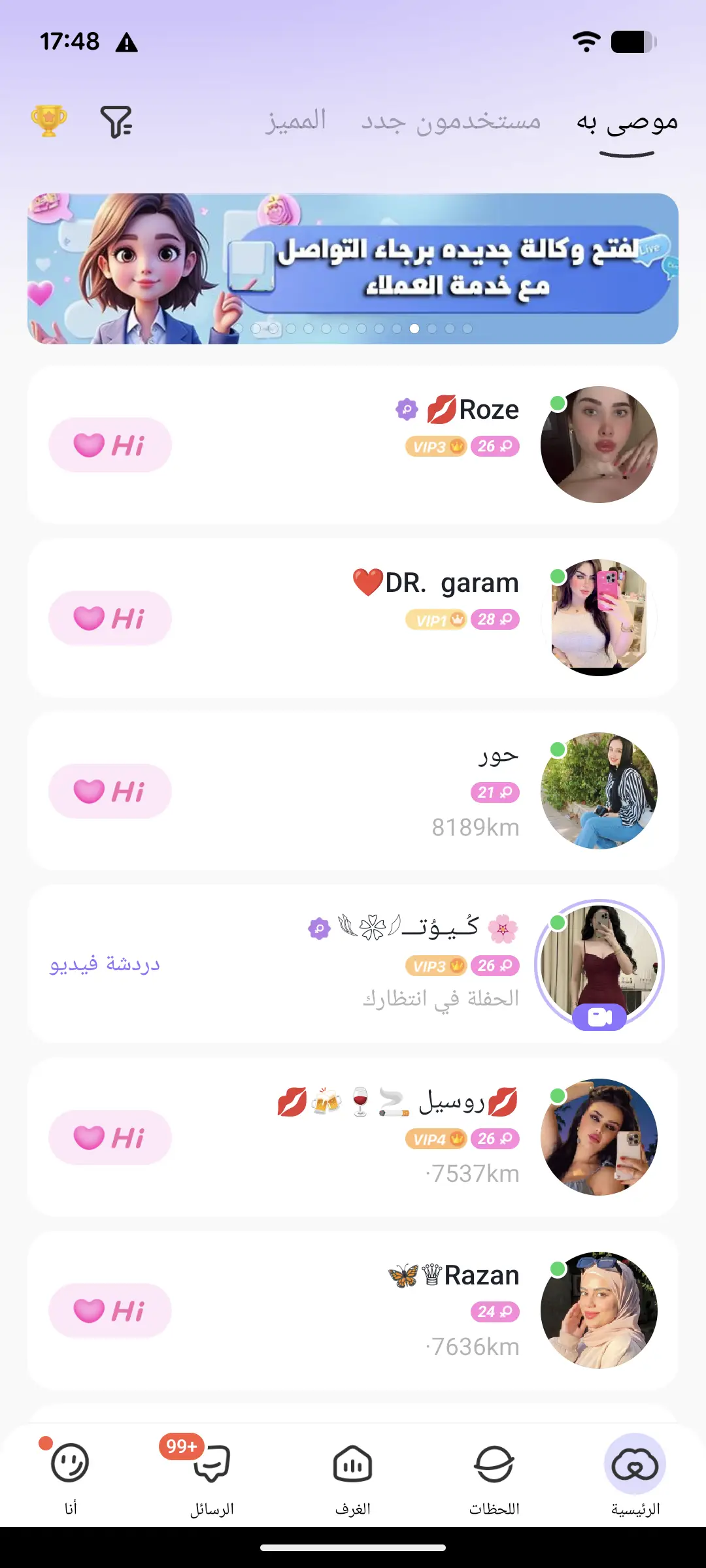
SUGO can be considered when the purpose is adult social voice participation. Its official introduction establishes the format, not superiority on slow networks. Try the activity on your normal connection before committing to a long session or buying optional items. A screenshot of discovery is also not evidence of an audio or data-performance result.
How Do Regional Networks Affect Performance?
Do not decide from a country label alone. Your carrier, location, time, device, and internet route can all change the result. Compare at the place and time you normally communicate. A friend’s success on a different connection is a reason to try an app, not proof that it will work equally well for you.
What Is the Best Setup?
Keep the setup as simple as your group needs. You do not have to install three apps to save data. Start with a service everyone can use, agree on when to use text, audio, or video, and identify a fallback before the call. Pause optional media activity while checking whether the necessary exchange works.
For speech that is already breaking up, use the separate voice-call troubleshooting and data-measurement guide. It covers symptoms, controlled tests, and measuring your own session. This page focuses on choosing a communication format and relevant app controls.
When Should You Avoid Heavy Apps?
Avoid a format that repeatedly fails the task or consumes data you cannot spare. Switching to text is a useful result if it lets people finish the conversation. If the visual part is essential and cannot be delivered clearly, postpone it or share suitable material separately rather than treating an unusable video connection as a successful meeting.
Conclusion
Choose the task, then the format and supported controls. Meet and Zoom are candidates for meetings; messaging can cover exchanges that can wait; SUGO is an option for adult social voice. Its terms require users to be at least 18 and to have reached their local age of majority. Test the activity you need and keep a fallback, without relying on unmeasured claims of weak-network superiority.
FAQs
Which social app uses the least data?
This guide does not establish a measured winner. Data use depends on the client, settings, media activity, and format. Compare the task you actually need instead of inferring consumption from an app’s size or marketing label.
Should I always turn video off on slow internet?
Use video when seeing something is necessary. For a conversation that works without it, try audio; if live audio also fails, switch to text or a voice message where supported.
Can Meet use cellular data while I am on Wi-Fi?
Google’s mobile-data guide describes cellular backup when Wi-Fi drops. Review the app and device settings if avoiding cellular use matters, and understand that disabling the backup can interrupt a session when Wi-Fi fails.
Does an HD voice label prove good performance on a weak connection?
No. It does not establish the connection speed, data use, delay, or stability of your actual session. Test the intended activity with the people and devices involved.
More guides on this topic: Voice Audio Help